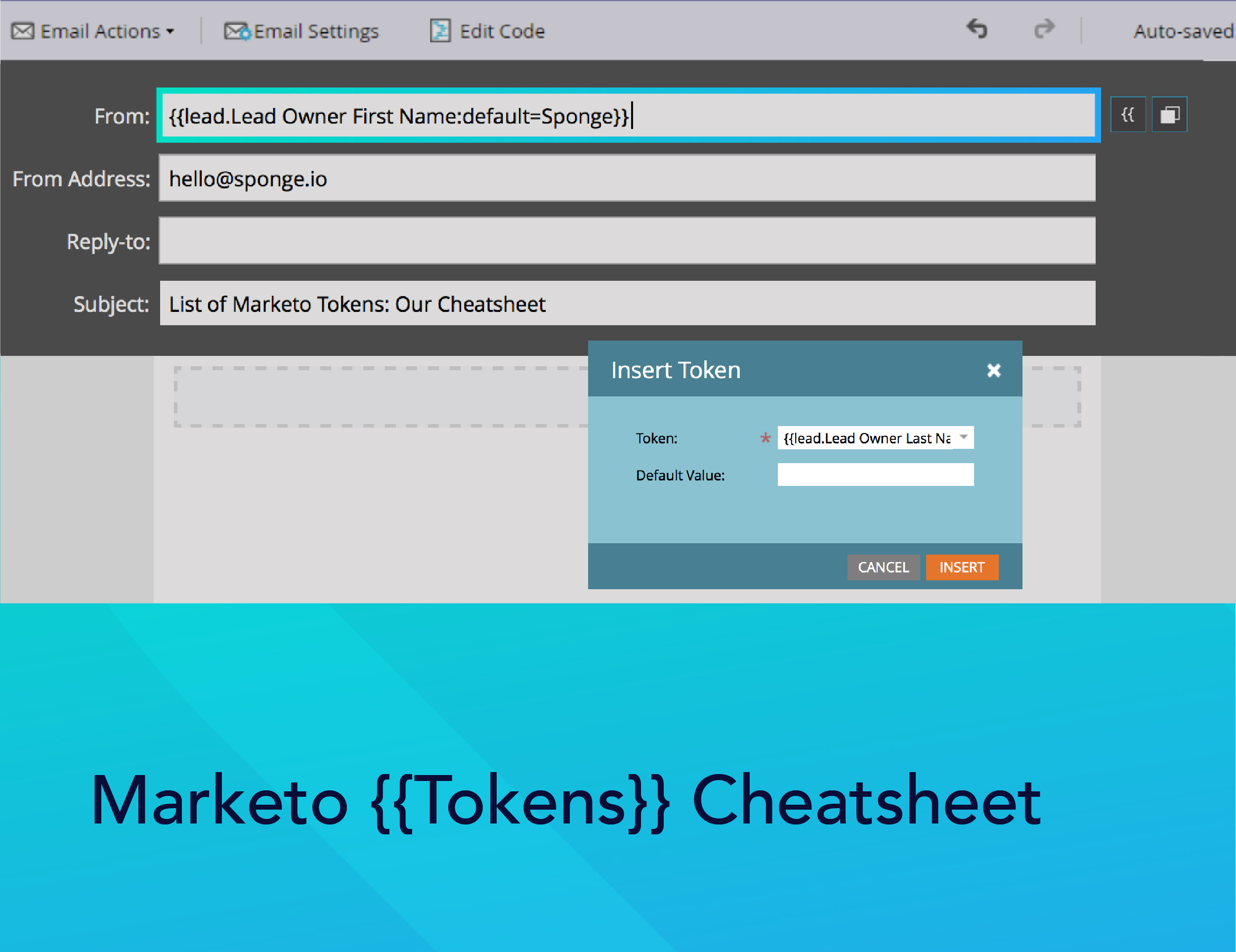
Here’s a list of Marketo tokens–variables you can add to campaign flow steps, emails, landing pages, snippets, and web campaigns.
Marketo tokens provide scalability, allowing you to quickly populate data in a variety of assets without having to edit each individually. Tokens save time and provide consistency across the Marketo instance.
This isn’t an exhaustive list of Marketo system tokens. Every time you create a custom field in Marketo, you’re also creating a token, too.
>> Related: How to Build an Email Program Template in Marketo <<
Marketo Person Tokens
- {{lead.Acquisition Date}}
- {{lead.Acquisition Program Name}}
- {{lead.Acquisition Program}}
- {{lead.Address}}
- {{lead.Anonymous IP}}
- {{lead.Black Listed}}
- {{lead.City}}
- {{lead.Country}}
- {{lead.Created At}}
- {{lead.Date of Birth}}
- {{lead.Department}}
- {{lead.Do Not Call}}
- {{lead.Do Not Call Reason}}
- {{lead.Email Address}}
- {{lead.Email Invalid}}
- {{lead.Email Invalid Cause}}
- {{lead.Fax Number}}
- {{lead.First Name}}
- {{lead.Full Name}}
- {{lead.Id}}
- {{lead.Inferred City}}
- {{lead.Inferred Company}}
- {{lead.Inferred Country}}
- {{lead.Inferred Metropolitan Area}}
- {{lead.Inferred Phone Area Code}}
- {{lead.Inferred Postal Code}}
- {{lead.Inferred State Region}}
- {{lead.Is Customer}}
- {{lead.Is Employee}}
- {{lead.Is Partner}}
- {{lead.Job Title}}
- {{lead.Last Name}}
- {{lead.Lead Source}}
- {{lead.Marketing Suspended}}
- {{lead.Middle Name}}
- {{lead.Mobile Phone Number}}
- {{lead.Original Referrer}}
- {{lead.Original Search Engine}}
- {{lead.Original Search Phrase}}
- {{lead.Original Source Info}}
- {{lead.Original Source Type}}
- {{lead.Person Notes}}
- {{lead.Phone Number}}
- {{lead.Registration Source Info}}
- {{lead.Registration Source Type}}
- {{lead.Salutation}}
- {{lead.SFDC Created Date}}
- {{lead.SFDC Is Deleted}}
- {{lead.SFDC Type}}
- {{lead.Unsubscribed}}
- {{lead.Unsubscribed Reason}}
- {{lead.Updated At}}
- Custom person fields also work if you use their display name, for example, {{lead.Custom Field Name}}
Marketo Company Tokens
- {{Company.Account Owner Email Address}}
- {{Company.Address}}
- {{Company.Annual Revenue}}
- {{Company.City}}
- {{Company.Company Name}}
- {{Company.Company Notes}}
- {{Company.Country}}
- {{Company.Industry}}
- {{Company.Main Phone}}
- {{Company.Num Employees}}
- {{Company.Parent Company Name}}
- {{Company.Postal Code}}
- {{Company.SFDC Account Num}}
- {{Company.SFDC Created Date}}
- {{Company.SFDC Type}}
- {{Company.SIC Code}}
- {{Company.Site}}
- {{Company.State}}
- {{Company.Website}}
- Custom company fields also work if you use their display name ex. {{Company.Custom Field Name}}
Marketo Campaign Tokens
- {{campaign.name}}
- {{campaign.id}}
- {{campaign.description}}
Marketo System Tokens
System tokens are interesting. You can play with dates, times, and where you place Unsubscribe or View As Webpage links. Marketo gets into the nitty gritty here.
- {{system.date}}
- {{system.time}}
- {{system.dateTime}}
- {{system.forwardToFriendLink}}
- {{system.unsubscribeLink}}
- {{system.viewAsWebpageLink}}
Marketo Trigger Tokens
- {{trigger.Trigger Name}}
- {{trigger.Name}}
- {{trigger.Link}}
- {{trigger.Subject}}
- {{trigger.Category}}
- {{trigger.Details}}
- {{trigger.Web Page}}
- {{trigger.Client IP Address}}
- {{trigger.Sent By}}
- {{trigger.Received By}}
- {{trigger.Referrer}}
- {{trigger.Search Engine}}
- {{trigger.Search Query}}
Trigger tokens are intriguing because depending on which triggers you use, you can unlock more tokens. For example, if you use the trigger Visits Web Page, you’ll have access to additional triggers like:
- {{trigger.Referrer}}
- {{trigger.Search Engine}}
- {{trigger.Search Query}}
Marketo Program Tokens
- {{program.Name}}
- {{program.Description}}
- {{program.id}}
FAQ
What are Marketo tokens and why should I use them?
Tokens are variables you can insert into emails, landing pages, snippets, campaigns, and flow steps. They save time, ensure consistency, and let you scale personalization without manually editing each asset.
Can I create custom tokens?
Yes! Every custom field you create in Marketo automatically becomes a token. Simply use the field’s display name wrapped in double curly brackets, e.g., {{lead.Custom Field Name}}.
How do trigger tokens work?
Trigger tokens are linked to specific trigger events, such as Visits Web Page or Form Submission. The tokens available depend on the trigger used, allowing you to dynamically include details like referrer, search engine, or search query.
How can I use tokens to improve my marketing campaigns?
Tokens allow personalization and automation across multiple assets. Use them to insert lead, company, campaign, or program data automatically, reduce manual updates, maintain consistency, and scale marketing programs efficiently.