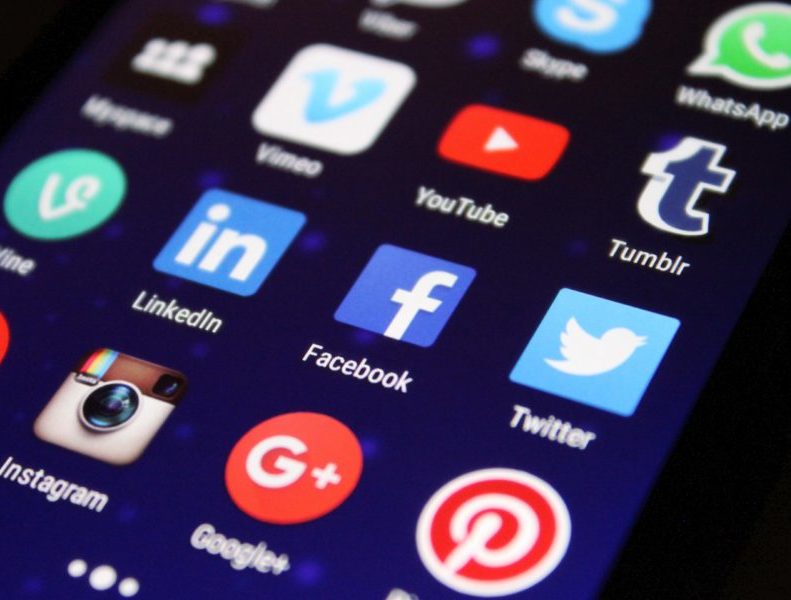
Social marketing is a core component of any B2B inbound marketing strategy, but it’s often challenging to draw a straight line from social activity to actual conversions, let alone sales pipeline and revenue. LinkedIn, Twitter, and Facebook have all been very vocal about their products for business as they struggle to monetize their offerings, but do these products actually work for B2B social marketing?
In this post, we’ll explore some of the most popular social advertising tactics available and offer guidance on how to leverage them to support your demand generation efforts.
>> Related: The Demise of Inbound Marketing? <<
The Shop Now / Buy Button
The influx of shop now, or buy buttons, to social media sites has seen exponential growth in the past year. Facebook and Twitter have been at the forefront of this movement, but even Pinterest has made its way into the space with their “buyable pins”. These are the sponsored, or company “post”, that show up in your timeline with the option to click on a link and be taken directly to the checkout process for that item.
Essentially the function of this button in social media for B2B marketers and others, is to have a channel to better capture impulse buys from consumers. The target market is individuals who are likely to make a purchase without doing much research. The thought is if you put your product or service in front of them, they are going to buy it.
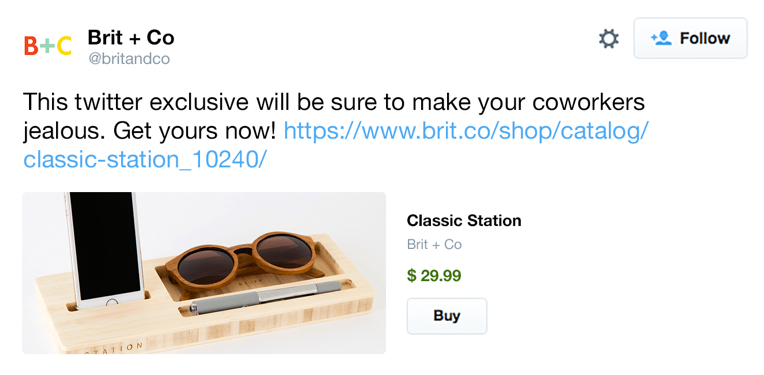
The Twitter Buy Now button shows up within a tweet next to the image, and the idea is to capitalize on someone’s interest as they’re “browsing” their feed, such that they can actually buy your product without ever having to leave Twitter. Here’s an example from Brit + Co:
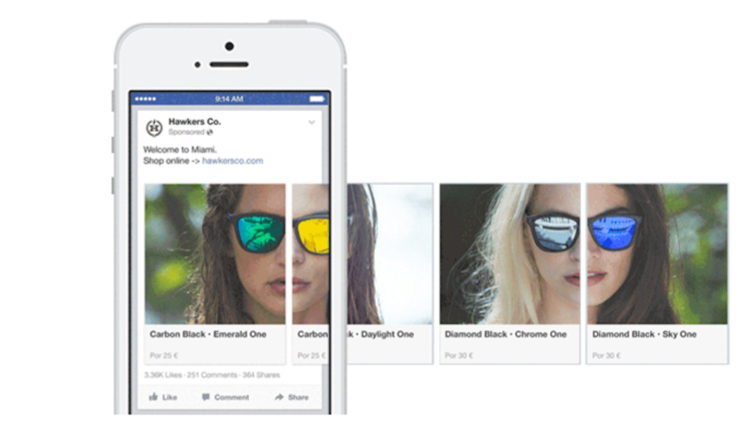
Facebook Calls to Action works in much the same way, where ads show up directly in your newsfeed. While both platforms enable you to target specific demographics, the information is a lot richer in Facebook, so your ability to hone in on exactly who you want is much greater. Here’s an example of Facebook Calls to Action using their Carousel format, where you can present multiple messaging points or offers that still focus around one CTA.
Do they work? The Shop Now / Buy button works well for B2C companies with low-cost items but is less effective for B2B marketers, whose offerings are higher-priced or have longer sales cycles. If prospects can’t decide in 30 seconds, this isn’t the best option. However, for visual products offering a demo or free trial, it could still work for B2B brands.
Promoted Tweets
The promoted tweet was Twitter’s first foray into paid products for business. The concept is simple – it’s a tweet that you pay to distribute across the Twitter feeds of the users you care about. The call to action is whatever link you include in your tweet, so you’d measure success by the number of clicks, conversions, and follows.
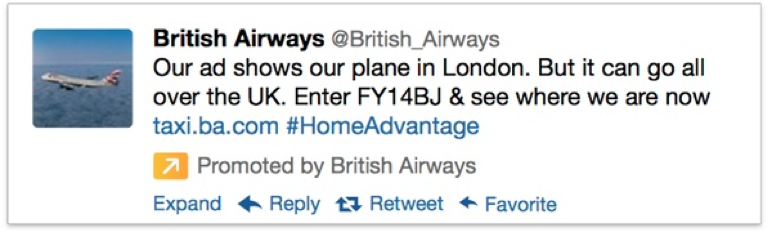
Do they work? In my experience, Promoted Tweets rarely work for demand generation. If you’re looking to get more followers and increase brand awareness, and you think a lot of your potential customers are on Twitter, this may be worthwhile, otherwise I’d skip it.
LinkedIn Sponsored Updates & Paid InMails
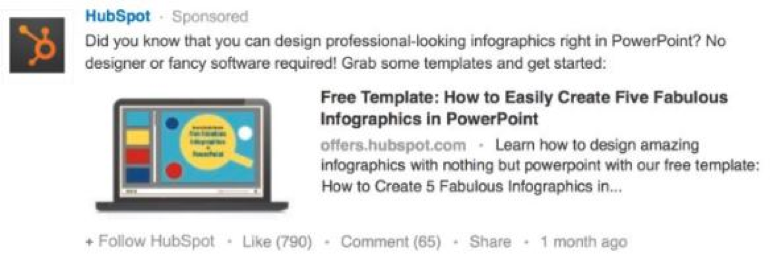
LinkedIn is clearly the most business-oriented social network, and they offer several different products to advertise your company or product on LinkedIn, including text ads, display ads, sponsored updates, and paid InMails. Sponsored Updates are very similar to Promoted Tweets, in that they’re sponsored posts that show up directly in your newsfeed. You can target based on several different fields, including title, job function, company size, geography, skills, groups, and more. Here’s an example from Hubspot:
Do they work? Of all of the tactics listed here, I’ve had the most success with LinkedIn Sponsored Updates. The targeting abilities on LinkedIn are unmatched, enabling you to be very granular in your advertising segments. I have found they work better for ebooks and blog posts vs. trials and demos, but that’s not super surprising. I’ve tried InMails with mixed success. They used to be very expensive, so it was tough to generate a positive ROI. They’ve come down in cost, but I’m still not sure this is where I’d start for B2B social marketing. If you do go this route, make sure you’re disciplined in your segmentation, and keep your message short and informal. I’d also recommend asking people to reply to your message vs. going to a form (which will make the message feel more spammy).
Share Buttons
Share buttons have been around forever. Instead of just advertising on LinkedIn, Twitter, or Facebook, these buttons let prospects share your content with their networks. They promote your product or service and help you understand your target market by showing who shares your content. Share buttons are often used on landing pages, blog posts, and email, like this:
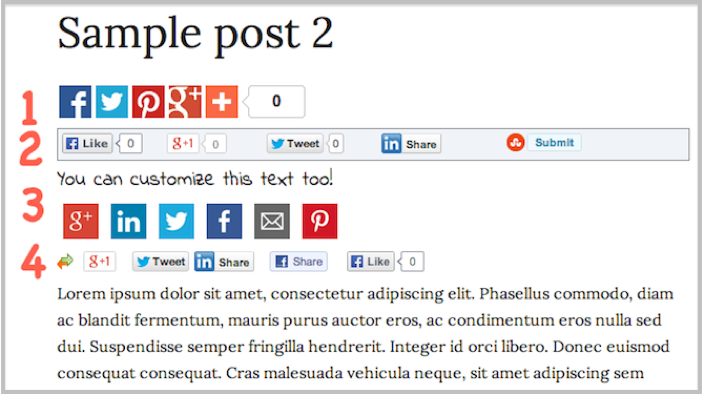
Do they work? I know a lot of people will say otherwise, and that it doesn’t *hurt* to put social share buttons all over the place, but I’d advise B2B marketers to NOT include them on their landing pages or email newsletter, but DO include them on thank you pages and blog posts. Why? It all goes back to why people share stuff in the first place – to entertain, to impress, and to teach. Someone has to find value in your content before they’ll mark it as entertaining or educational.
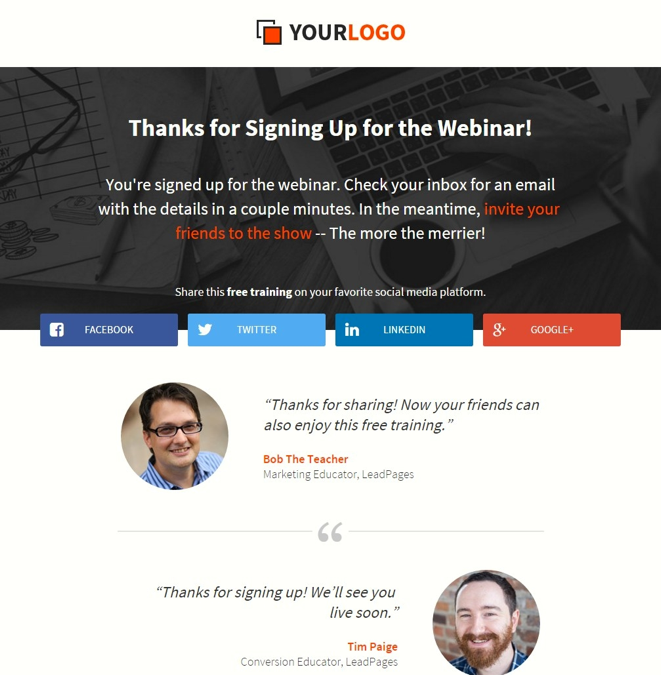
A conversion signals value, so only ask people to share content after they’ve converted. For example, on a webinar thank-you page, users can invite colleagues via email or social media. This works well because they’ve already engaged with a strong offer. Avoid confusing registrants with secondary CTAs like trials or demos before the live event.
Social Logins
Social logins enable your prospects to automatically fill in forms with information stored on their social profiles. In theory it increases your conversion rate because even long forms can be completed in one click.
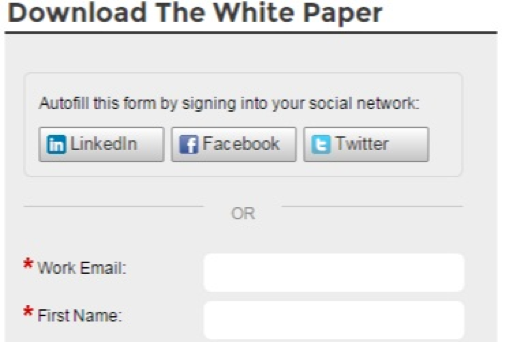
Do they work? Results on social logins are mixed. For account registration, using social logins is a no-brainer—it lowers the barrier to starting a new product. For white papers and ebooks, it can add unnecessary complexity. I’ve seen clients use social logins as an excuse to ask 14 questions on a form. Long forms deter potential clients—HubSpot ranks them as the fourth biggest reason people abandon forms. Best practice: ask only the questions needed to move a prospect to the next step. Even with social logins, too many questions can overwhelm visitors, so keep forms lean to maximize conversions.